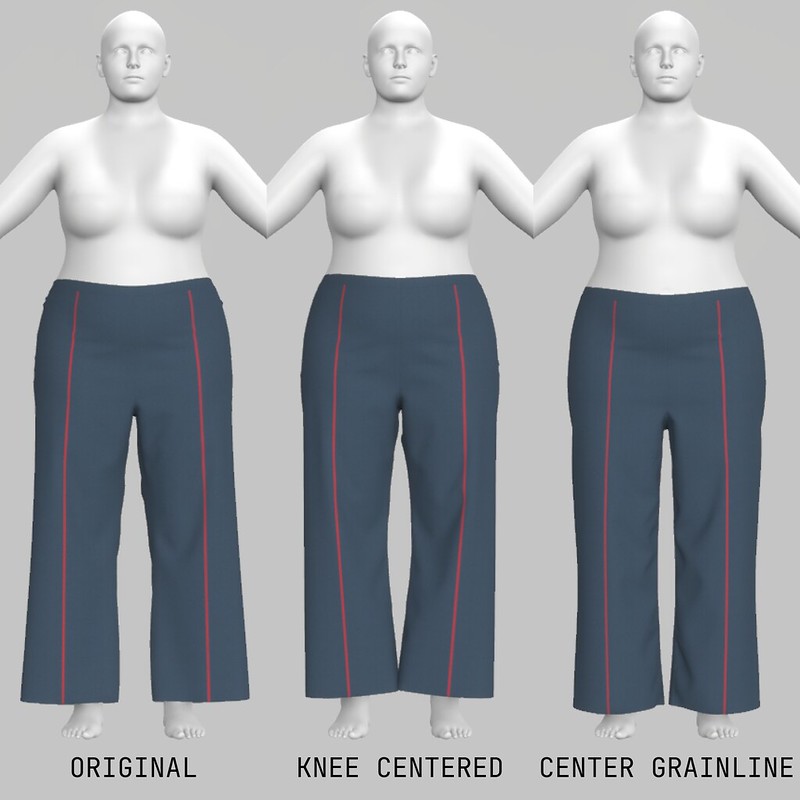
I will likely post some quick blogs about things I’m learning while teaching myself how to use Browzwear apps. “Browzwear is the leading provider of 3D fashion design software for clothing development and merchandising solutions.” I tested my knowledge on the May Jeans since these were my latest make.
Avatar and Sizing
I selected the plus-size avatar Sofia for my experiment and adjusted her measurements to match the measurements for size 22 on the May Jeans (high bust 43.9″, bust 47″, waist 39.2″, and hips 51″). Note that I made a straight size 18 for my body, so the avatar does not match my body at all. The app comes with several industry-standard avatars that make things easier.
Alterations
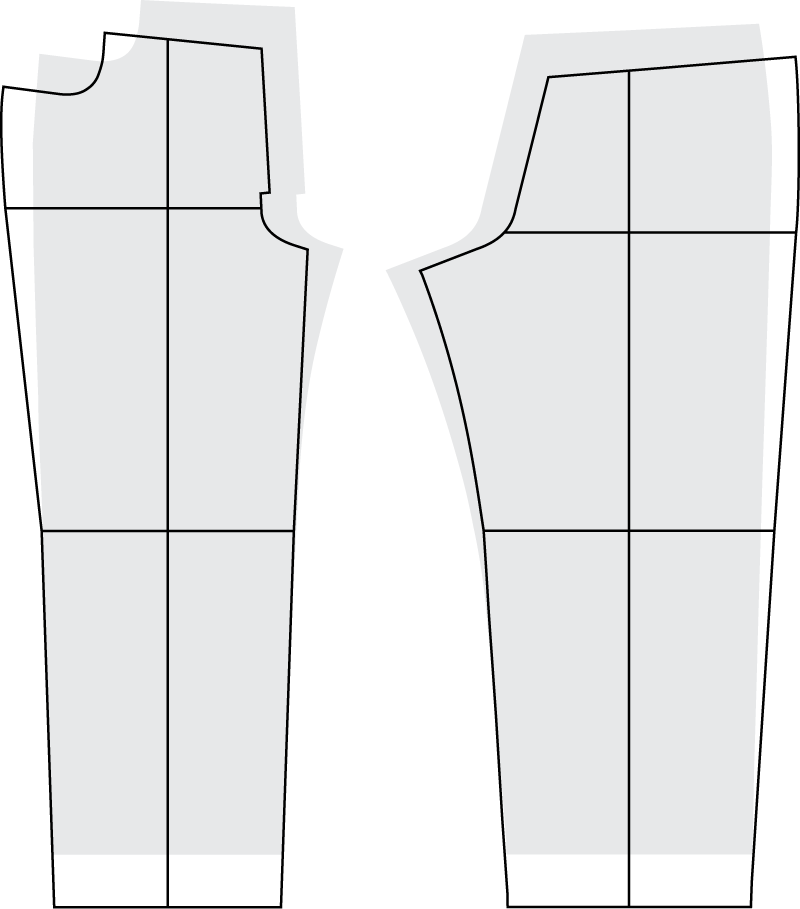
Let’s quickly review the alterations I had to make to fit my body because they are the same alterations I made on the digital avatar. First, I needed to ensure the center grainline was centered at the knee. The back piece was really far off. Then I went through a whole ordeal with a laser level to determine my body’s center grainline and used that to adjust the pattern. I needed to move the torso towards the side seam for both the front and back. These are the exact same alterations I made on the 3D avatar.

Subscribe to continue reading
Become a paid subscriber to get access to the rest of this post and other exclusive content.
